Security cameras, surveillance & smart home · Denver metro and the Front Range Find your city ↗ Call (720) 487-1226
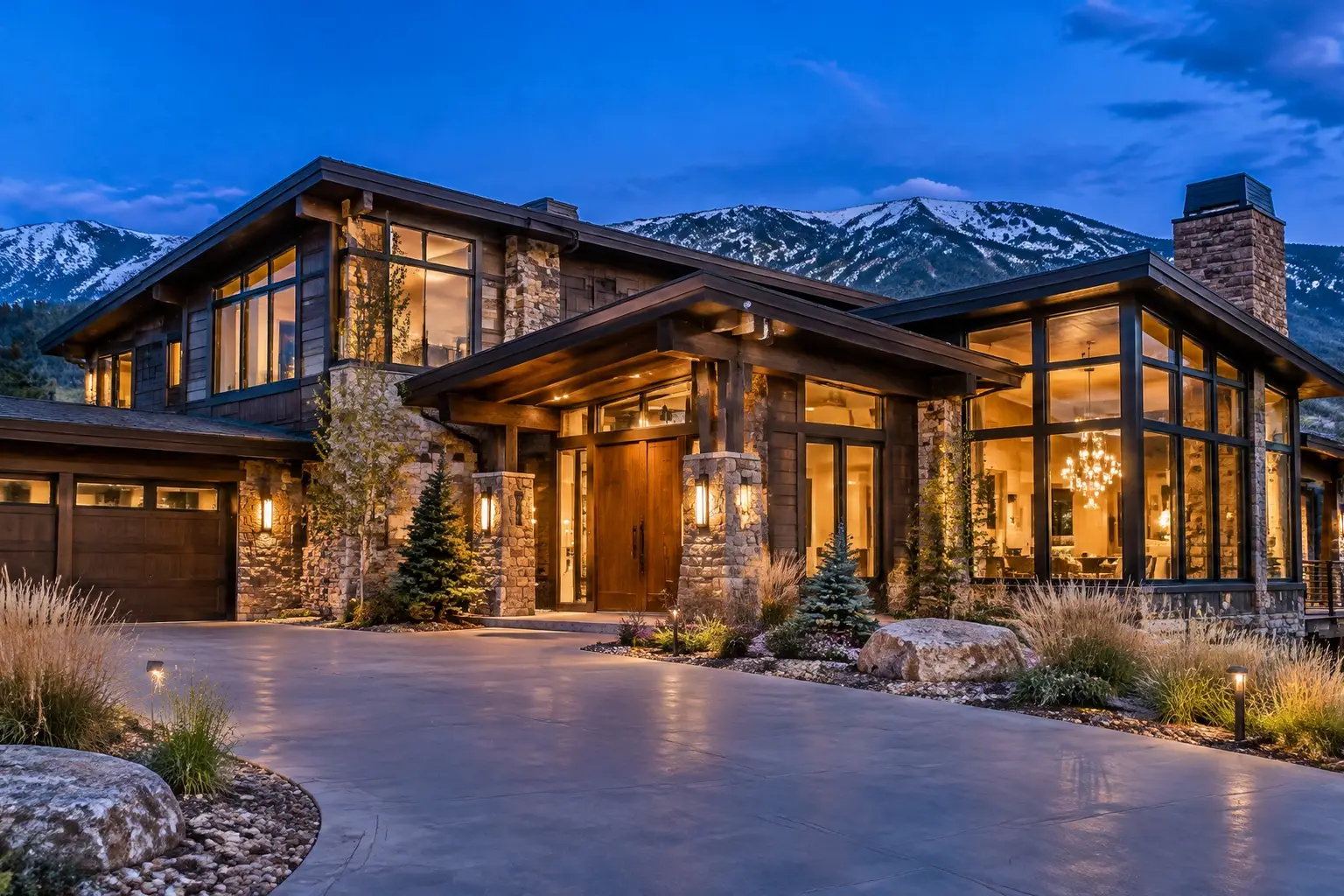
Large stone and timber Front Range home at dusk, warm lit windows, with an exterior security camera above the entry

RECORDED AND REVIEWABLE

Home Surveillance Systems in Denver, CO

A home security surveillance system is the recording layer: the cameras feed it, but the system is the recorder, the storage, the retention period and the way you get a clip out when something has happened. Denver homeowners usually discover the difference at the worst moment, when the footage either exists and is easy to export or was overwritten four days ago. We plan surveillance around how long you want to keep footage, where it lives, who can see it, and how a clip leaves the property.

Planned on the propertyEntries and sightlines firstWritten scopeCabling, zones and retention agreed
Your property. Watched properly.Request form

Request a quote

A little about the property and what you want covered.

Your inquiry goes to our team. Sending a request does not schedule an installation; we will follow up about the property, the scope and availability.

§ 01 / The details

Start with a clear scope.

Use these items to frame the conversation. Final inclusions depend on the property, the existing wiring and the agreed plan.

  • Local recorder, cloud, or a documented combination of both
  • Retention period chosen by you and storage sized against it
  • Continuous or motion-based recording explained with the trade-offs
  • Recorder placed somewhere ventilated, accessible and not obvious
  • Drive health monitoring and overwrite behaviour explained
  • Detection zones and alert tuning so notifications stay useful
  • Remote viewing configured with upload bandwidth checked
  • Export of a past clip demonstrated on your own device
  • Account list, permissions and a method for removing access
  • Audio recording enabled or disabled as a deliberate, documented decision
  • Battery backup options for the recorder and network discussed

§ 02 / The system

Recording locally, in the cloud, or both

Local recording to a network video recorder keeps footage on your property, continues through an internet outage, and has no monthly cost for storage. Its risks are physical: a recorder in an obvious place can be taken, and a drive can fail. Cloud recording survives anything that happens to the house but depends on your upload bandwidth, usually carries a subscription per camera, and stops recording when the connection drops.

Many properties should do both, with local continuous recording as the system of record and cloud for a handful of important cameras as the off-site copy. What matters is deciding deliberately rather than inheriting whatever the equipment defaulted to. We put the choice, and its cost, in the written scope.

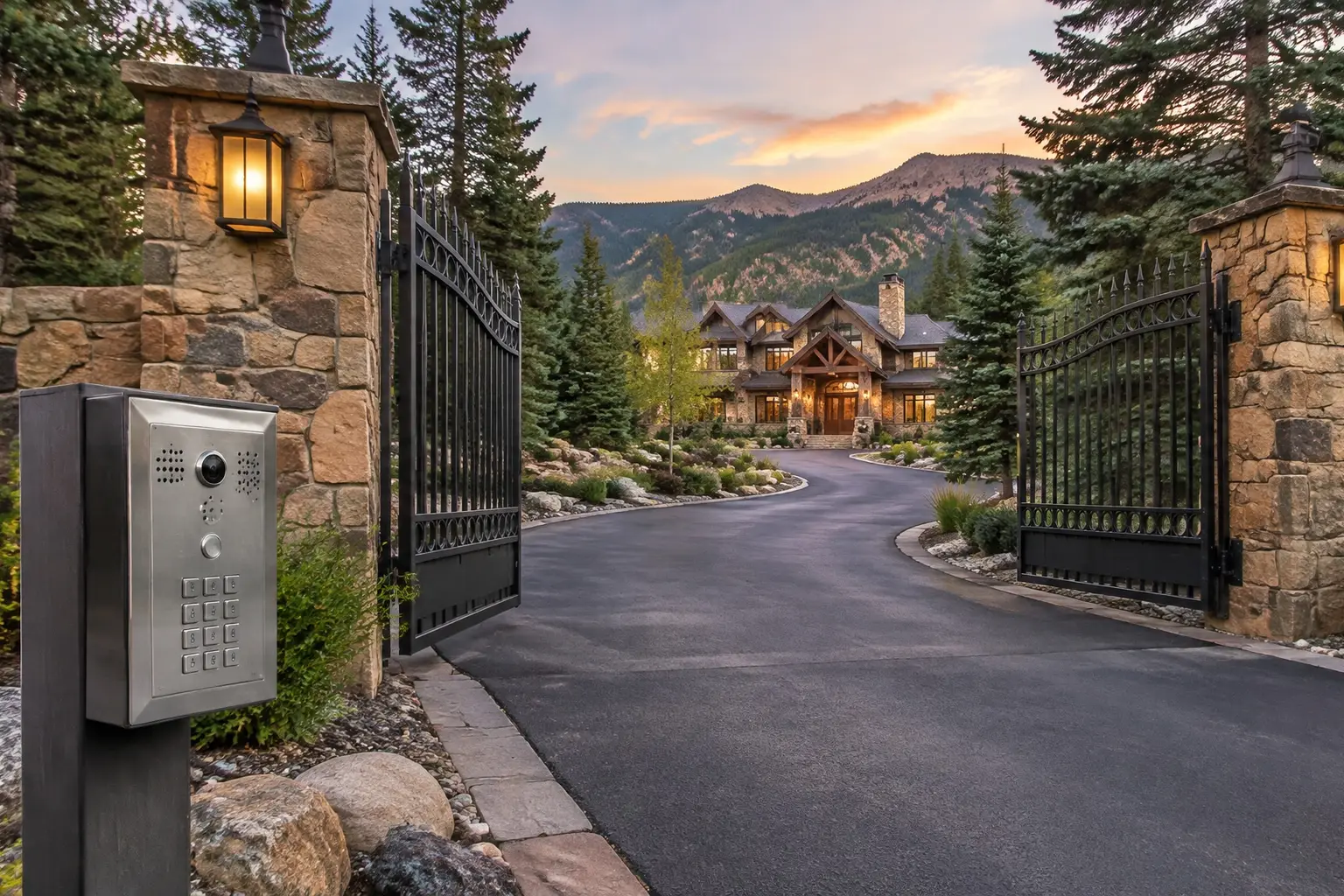
A gated private driveway entrance with stone pillars, an intercom keypad and a large home set back beyond the gates

§ 03 / The details

Retention is a decision, not a spec

The single most useful question in surveillance planning is how many days of footage you want to be able to go back through. A week sounds generous until you return from a two-week trip and want to know when the gate was left open. Thirty days changes the storage calculation substantially, and that is fine if you decide it at the quote stage rather than after the drive is bought.

Retention is driven by camera count, resolution, frame rate and whether cameras record continuously or only on motion. Motion-only recording stretches storage a long way but can miss the beginning of an event and depends entirely on how well detection is tuned. Continuous recording with motion bookmarks is the arrangement most homeowners end up happiest with: nothing is missed, and finding it is still quick.

§ 04 / The system

Finding the clip is the real test

Live viewing is easy; everyone can do that on day one. The test of a system is a homeowner alone at a kitchen table, going back to Tuesday at 4pm, finding thirty seconds of footage, and getting it off the system as a file that someone else can open. If that takes an installer's help, the system failed.

So the handover includes doing it yourself, once, on your own device: search by time, scrub, export, and understand what quality the exported file has. We also set up detection and alerts so the notifications you get are the ones you want. A system that sends fifty alerts a day because a tree moves trains you to ignore it, which is worse than sending none.

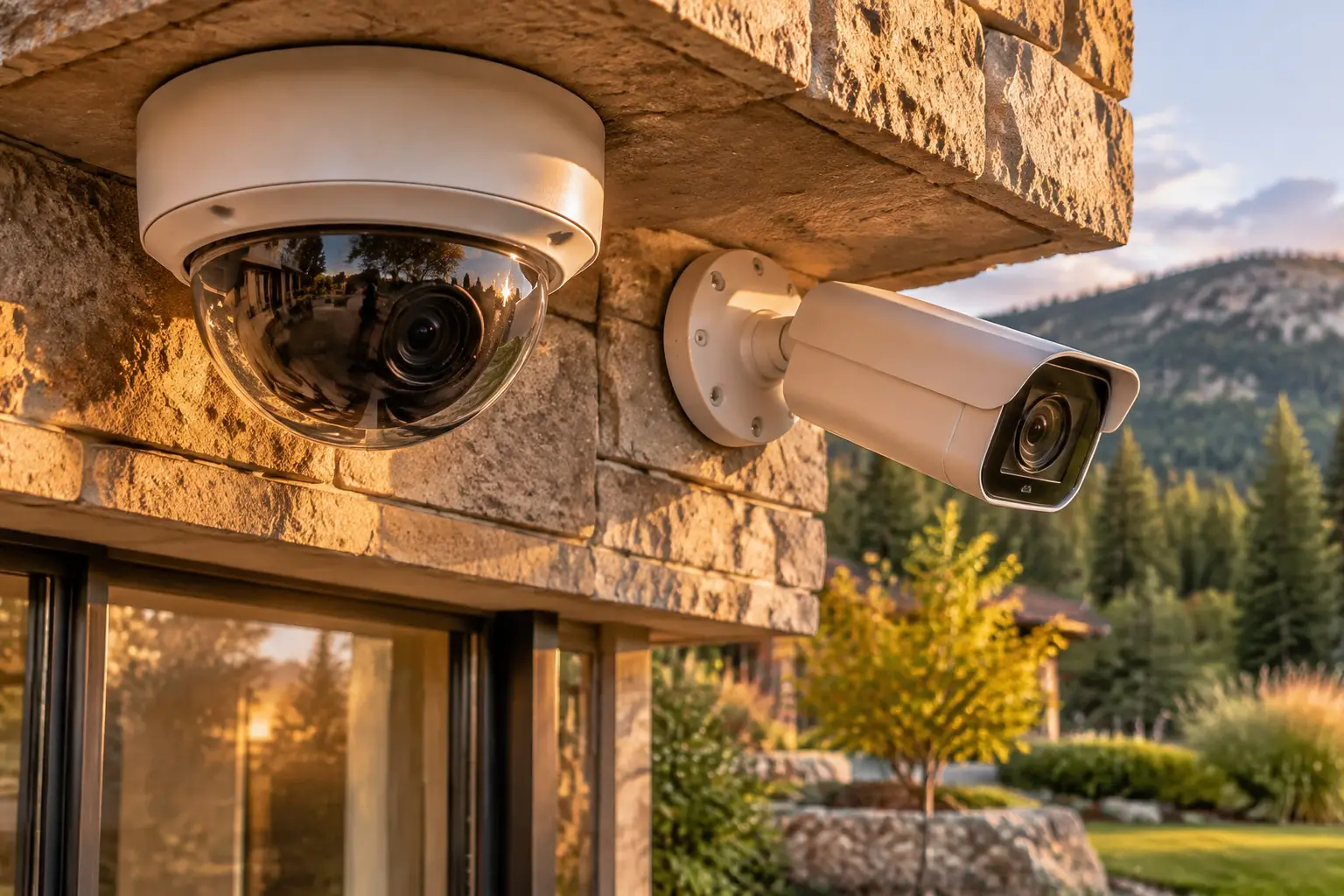
A dome camera and a bullet camera mounted under the stone eave of an upscale home, covering the same approach

§ 05 / The details

Who can see it, and for how long

Surveillance creates a record of your household, and it deserves the same care as any other sensitive record. Decide who holds an account, what each account can do, and how access is removed when a family member moves out, a tenant leaves, a cleaner changes or a contractor finishes. Shared logins are the usual weak point: they cannot be revoked individually.

Audio is a separate decision from video and should be made explicitly, because many cameras ship with microphones enabled. Colorado's rules on recording conversations are not the same as the rules for a video view of your own property, so review the current statutes or take your own legal advice before leaving audio on, and tell household members, employees and regular visitors what is recording. We will set the system to whatever you decide and write it down at handover.
§ 06 / Common questions

The questions
worth asking first.

Clear answers before anyone drills a hole. Start with what homeowners ask most.

More answers ↗

What is the difference between a security system and a surveillance system?

A security system detects and responds: sensors, arming, sirens, possibly monitoring. A surveillance system records and lets you review. They overlap and are usually bought together, but a house can have excellent cameras and no detection, or a loud alarm and no footage of what caused it. Decide what you want from each.

How much storage do I need?

It follows from four numbers: how many cameras, at what resolution, recording continuously or on motion, for how many days. Tell us the retention you want, including the case where you are away for weeks, and we size the drive to it with headroom. Guessing the drive first and discovering the retention afterwards is how people end up with four days of footage.

Will the system keep recording if the internet goes down?

A local recorder will. Cloud-only cameras will not, and they also will not alert you. That is the main argument for having a local system of record even when you like cloud convenience. Power is a separate question: without battery backup on the recorder, the switch and the router, the system stops when the power does.

Can I give a neighbour or a family member access?

Yes, and it is worth doing with their own account rather than your login, so it can be removed later without changing everyone's credentials. Decide what they can do: view live, review history, export, or change settings. We set those permissions up during handover and note who holds what.

Should the cameras record audio?

Treat it as a separate, deliberate choice. Audio recording of conversations is governed differently from a video view of your own property, and the rules are not intuitive. Review the current Colorado statutes or ask your own attorney, decide knowingly, and make sure the household and anyone working at the property knows what is recording.

§ 07 / The details

Local installation. Metro-wide planning.

Choose your area for the local approaches, permit questions and covenant rules that come up there.

A good system starts with the walk around the house.

Tell us about
the property.
And the blind spots.

The entries, the driveway, what the existing wiring can carry and what the covenants allow. Those four details shape a system worth paying for.

  • Say which approaches you cannot see today.
  • Tell us about existing cabling, panels or a prior system.
  • Agree the scope, the zones and the retention before work starts.
Your property. Watched properly.Request form

Start with your property

A little about the property and what you want covered.

Your inquiry goes to our team. Sending a request does not schedule an installation; we will follow up about the property, the scope and availability.

Cameras where they matter. Nothing you cannot use.

Know what
happens at
your door.

Call (720) 487-1226
Colorado Home Security · DenverCall (720) 487-1226
Your property. Watched properly.Request form

Before you go: want a camera plan?

A little about the property and what you want covered.

Your inquiry goes to our team. Sending a request does not schedule an installation; we will follow up about the property, the scope and availability.